Install Group Policy Editor on any Windows Edition
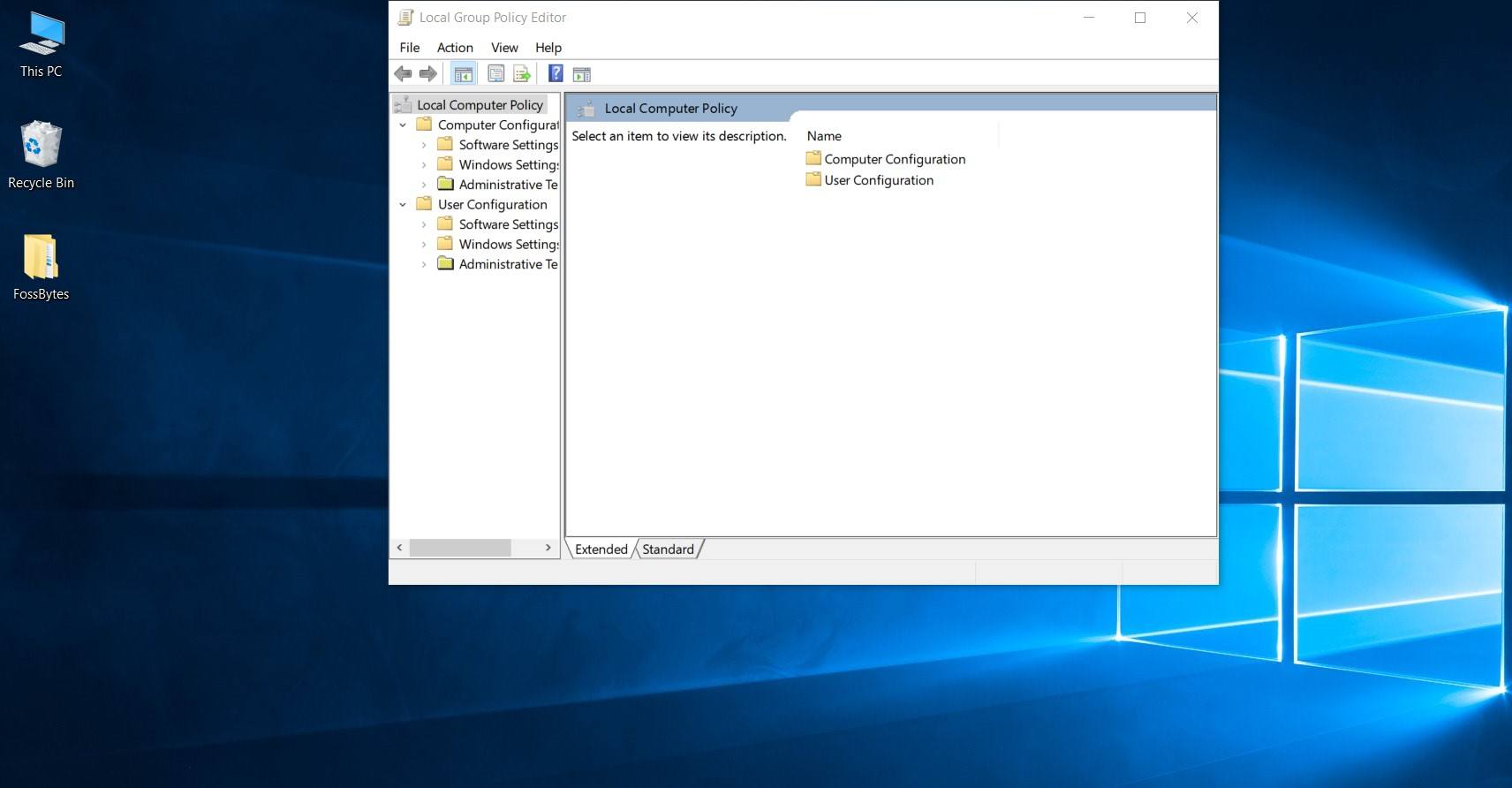
Install Group Policy Editor on any Windows Edition
Do you have Windows Home edition? Then you have to manually activate the Group Policy Editor feature on your computer. This blog post explains you how to do this.
What is Group Policy Editor?
Group Policy Editor is a Microsoft Management Console app with the filename gpedit.msc. You can find it in the C:\Windows\System32 folder.
Group Policy exist since Windows 2000. Home or Starter editions don’t have this feature. Only Pro or Enterprise edition have it enabled by default.
But there is a (secret) way to install this program on your Windows.
Install Group Policy Editor
To activate Group Policy Editor on your Windows (Home or Starter edition) follow these steps:
- Start the command prompt with administrator privileges.
- Run both commands:
1 2
FOR %F IN ("%SystemRoot%\servicing\Packages\Microsoft-Windows-GroupPolicy-ClientTools-Package~*.mum") DO (DISM /Online /NoRestart /Add-Package:"%F") FOR %F IN ("%SystemRoot%\servicing\Packages\Microsoft-Windows-GroupPolicy-ClientExtensions-Package~*.mum") DO (DISM /Online /NoRestart /Add-Package:"%F") - Run
gpedit.mscfrom the “Run” window or command prompt. - You’re done!
Helpful resources
You liked this blog post? Interested in coding together? Feel free to contact me.
This post is licensed under
full copyright
by the author.